Medical Objective Drafting Worksheet
An editable medical objectives template in Excel: draft objectives that someone else can check, with a seven-question quality check and a dated progress log.

Rendered from the actual workbook. Select a tab to explore; click the image to view it full size.
See the worksheet in action
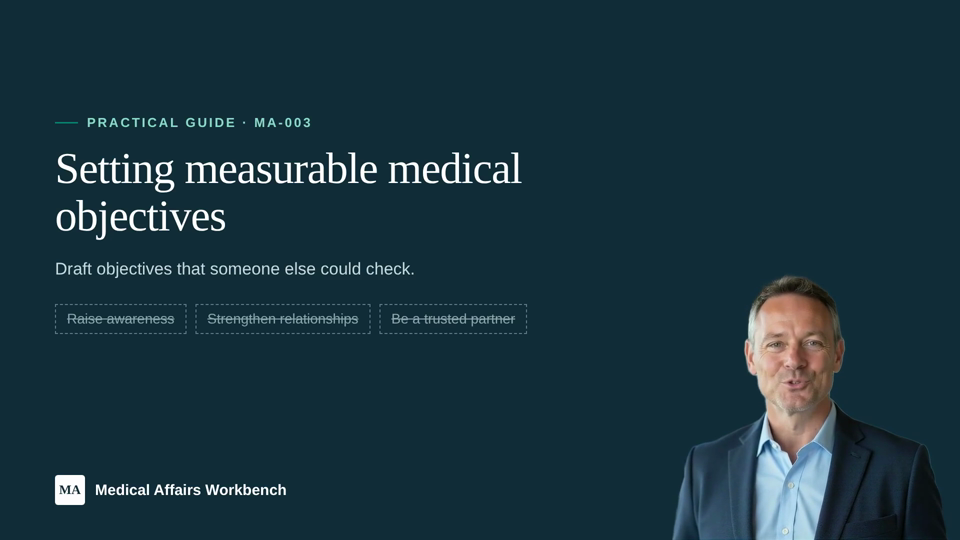
4:10 · English · Fictional examples. The video loads from YouTube only when you press play. Watch on YouTube
From an intention to a checkable objective
Draft the objective
Start from the medical need, then write the objective, the measure, how it is defined and the data source.
Check it before agreeing
Answer seven Yes/No questions. The score and “What to fix” are calculated, and the latest score shows on the Objectives tab.
Review with evidence
Log each update with the document that shows it. Mark an objective Achieved only when evidence of progress is recorded.
What’s included
| Tab | What it supports |
|---|---|
| Start Here | Purpose, five steps, field definitions, capacity, colour key, confidentiality note and how to move objectives into the full system. |
| Objectives | Medical need, objective statement, measure and its definition, data source, baseline, target, dates, owner, status and evidence of progress, with the latest recorded value, quality score and record checks. |
| Quality Check | Seven Yes/No questions per objective, a score out of 7 and what to fix. Re-checks are added as new rows. |
| Progress Log | Dated updates: value observed, supporting document, comment and next action. |
| Lists | Editable Therapy area, Status and Yes/No choices (hidden tab). |
Prepared capacity: 200 objectives, 200 quality checks and 200 progress updates.
All cells are editable. Amber cells hold manual inputs; blue-grey cells hold formulas. Overwriting a formula removes its calculation. Clear the fictional rows with Clear Contents before use.
Part of a larger system
The Objectives tab follows the Strategy Map of the Stakeholder Strategy and Engagement System. The Start Here tab shows which columns to copy across, so each objective can later be linked to stakeholders, evidence gaps, engagements, insights and actions.
What to know before use
The seven questions are a practical drafting checklist, not a validated scoring tool. A score of 7/7 means the objective is complete and checkable, not that it is the right objective. Record checks find duplicate IDs, missing required fields, a target date that is not after the baseline date and objectives marked Achieved without evidence; they do not judge the quality of the evidence. No macros, notifications or system integration.
Who is this workbook for?
Medical Affairs managers, medical leads and MSLs who draft or review medical objectives. Agree local definitions, roles and review timing before use.
Can I use it for sales or commercial targets?
No. It is designed for medical and scientific objectives, such as evidence reviewed, questions answered or knowledge needs addressed. Follow your company’s own policies and review processes.
Which software and purchase terms apply?
The file format is .xlsx. Works in Microsoft Excel 2016 or later, on Windows or Mac. No macros. One licence is for one person; for team use, buy one licence per user or email [email protected]. Refunds within 7 days if the file is faulty or not as described and we cannot fix it.
Included workbook: Medical_Objective_Drafting_Worksheet_v1.0.xlsx
Missing something? Tell us which topic, tool or guide you would like next. We read every suggestion. Suggest a topic or tool
Read the approach behind the tool.
The companion article explains how to draft, check and review measurable medical objectives, with references.
Read the companion article